Every image in the repo, at a glance.
GitHub Image Viewer turns a folder's file list into a thumbnail gallery. Stop clicking sprite_042.png one by one. Scroll, scan, and open the one you need in a full-size lightbox.
GitHub shows file names. You need pictures.
Asset folders, icon sets, sprite sheets, screenshots, design exports. On GitHub they're all a wall of filenames until you open each one.
A list of names
One click and one page load per image.
A gallery
The whole folder on one screen, ready to scan.
Small extension. Big difference.
It lives on github.com, stays out of the way, and remembers how you like your grid.
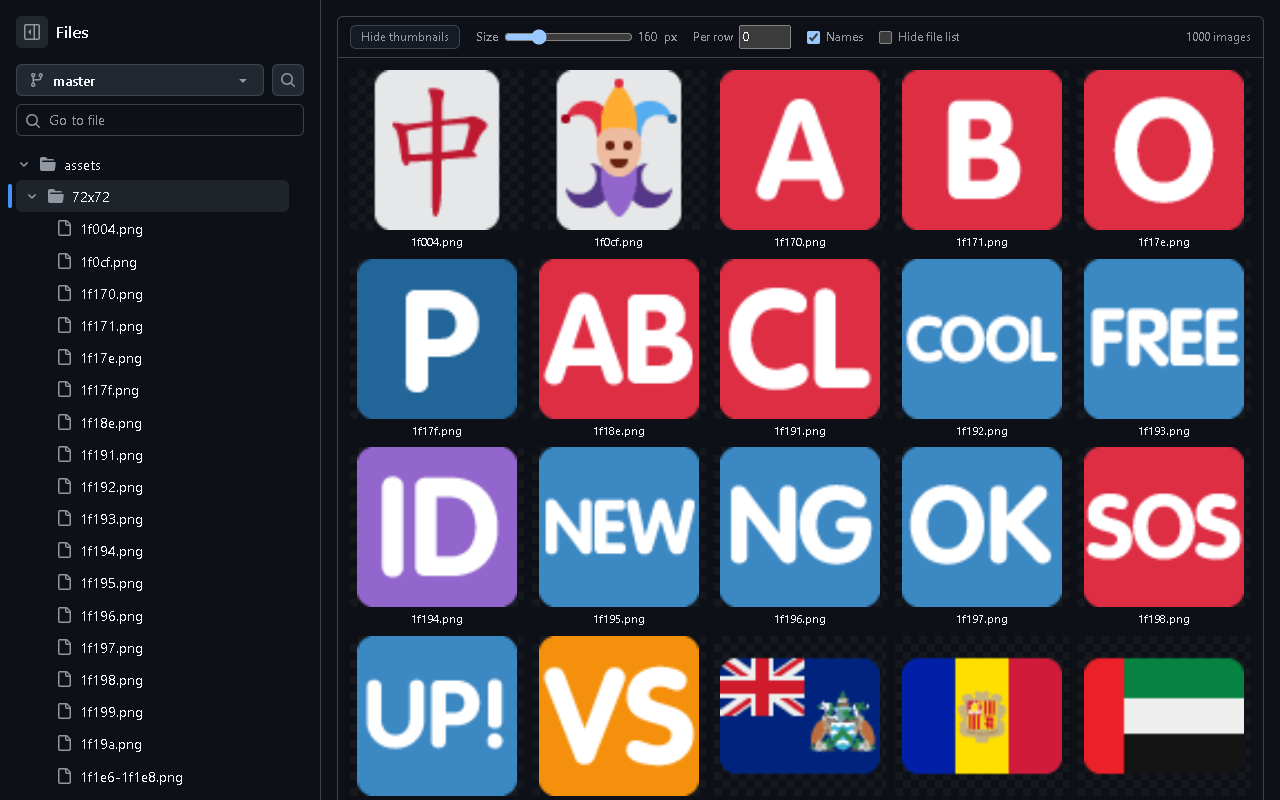
Thumbnail grid
Every image in the folder appears above GitHub's file list, lazy-loaded so big folders stay fast.
Adjustable size
Drag from 48 px icons to 512 px previews. Pixel art stays crisp.
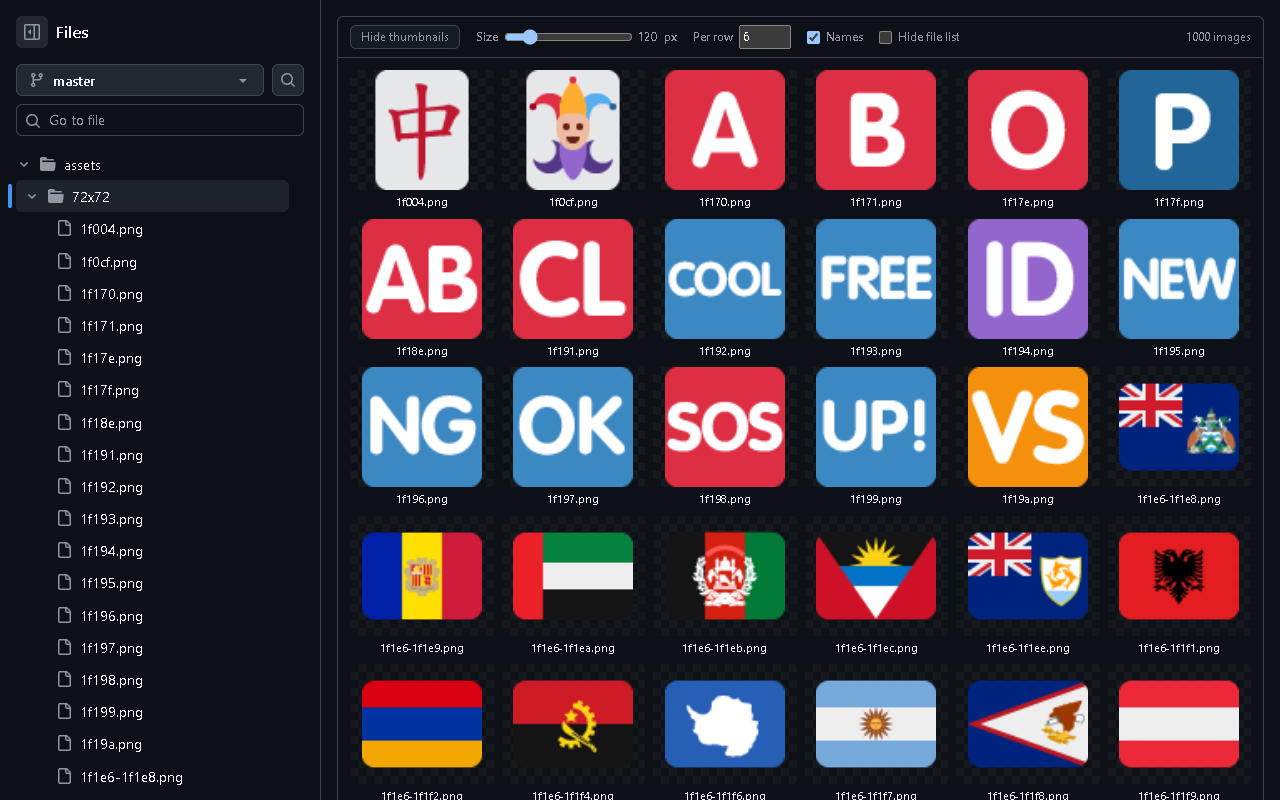
Images per row
Pin an exact column count, or let the grid fit as many as your screen allows.
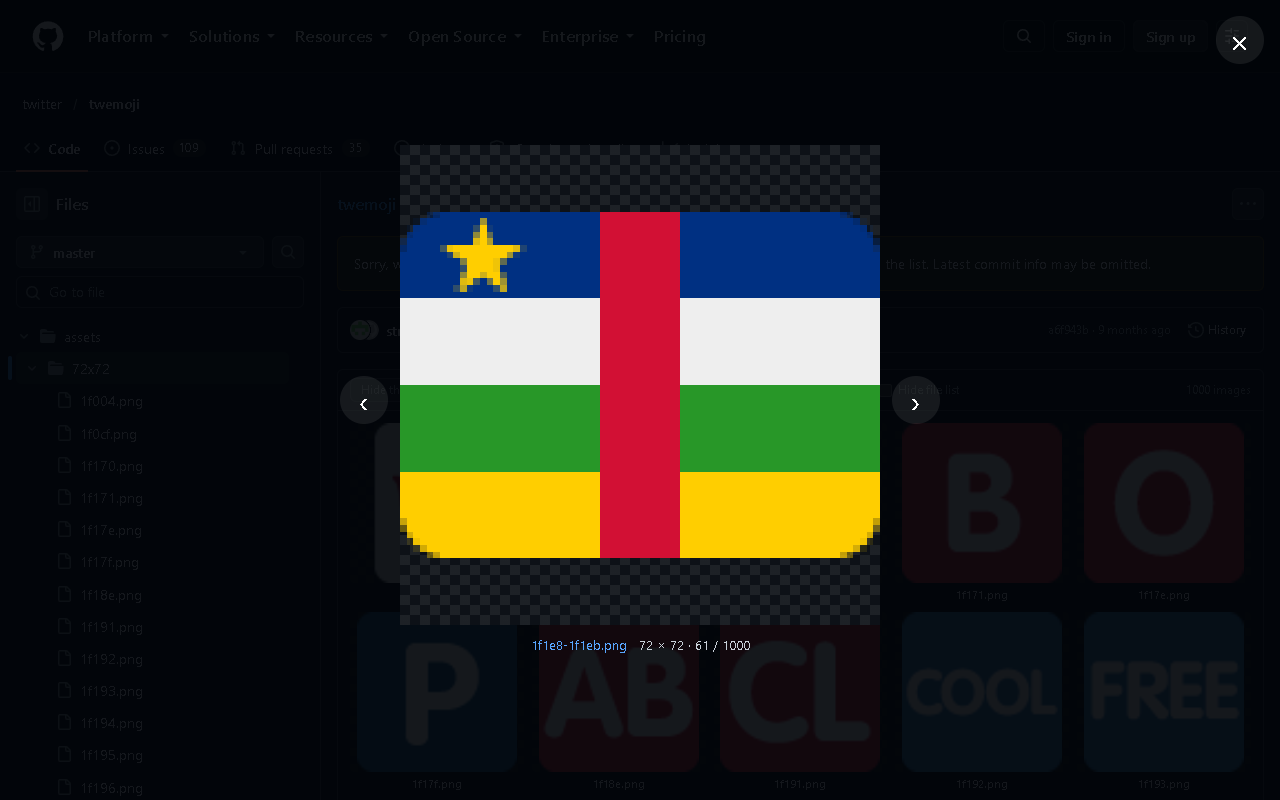
Full-size lightbox
Click any thumbnail to view it full screen with its dimensions. Arrow keys flip through the folder.
Private repos too
Uses your normal GitHub session. No token, no OAuth, no extra permissions.
Zero tracking
No analytics, no servers. It only stores your grid settings in your browser.
Make the grid yours.
These are the same controls the extension adds to GitHub. Play with them.
Feels like it was always there.
It follows GitHub's own light and dark themes and sits right above the file list.
Ready in thirty seconds.
The Chrome Web Store listing is on its way. Until then, load it straight from GitHub.
Download
Get the latest release zip and unzip it, or clone the repo.
Developer mode
Open chrome://extensions (Edge: edge://extensions) and switch on Developer mode.
Load unpacked
Click Load unpacked, pick the extension folder, then open any GitHub folder with images.
Questions, answered.
How do I see image thumbnails in a GitHub repository?
Install GitHub Image Viewer, then open any folder on github.com. Every PNG, JPG, GIF, SVG, WebP, AVIF, BMP and ICO file in that folder appears as a thumbnail grid above the file list.
Does it work with private repositories?
Yes. Images load through your normal GitHub session, so anything you can open on github.com shows as a thumbnail. No token is needed.
Does the extension collect any data?
No. It has no analytics and no server. The only thing it stores is your grid settings, in your own browser.
Which browsers are supported?
Google Chrome, Microsoft Edge, Brave, Opera, Vivaldi and other Chromium-based browsers.
Does it handle folders with hundreds of images?
Yes. Thumbnails load lazily as you scroll. GitHub itself lists at most 1,000 files per folder, so that's the ceiling per page.
Can I still open the file page?
Ctrl-click or middle-click a thumbnail to open GitHub's file page in a new tab, or click the file name inside the lightbox.

See your repo the way you see your art.
Free, open source, MIT licensed.